Backlinks
How to Check if Backlinks Are Indexed (site: Fails)
Check if a backlink is indexed: 4 methods, why site: and Search Console mislead you, and the 6 other reasons an indexed link still passes nothing.
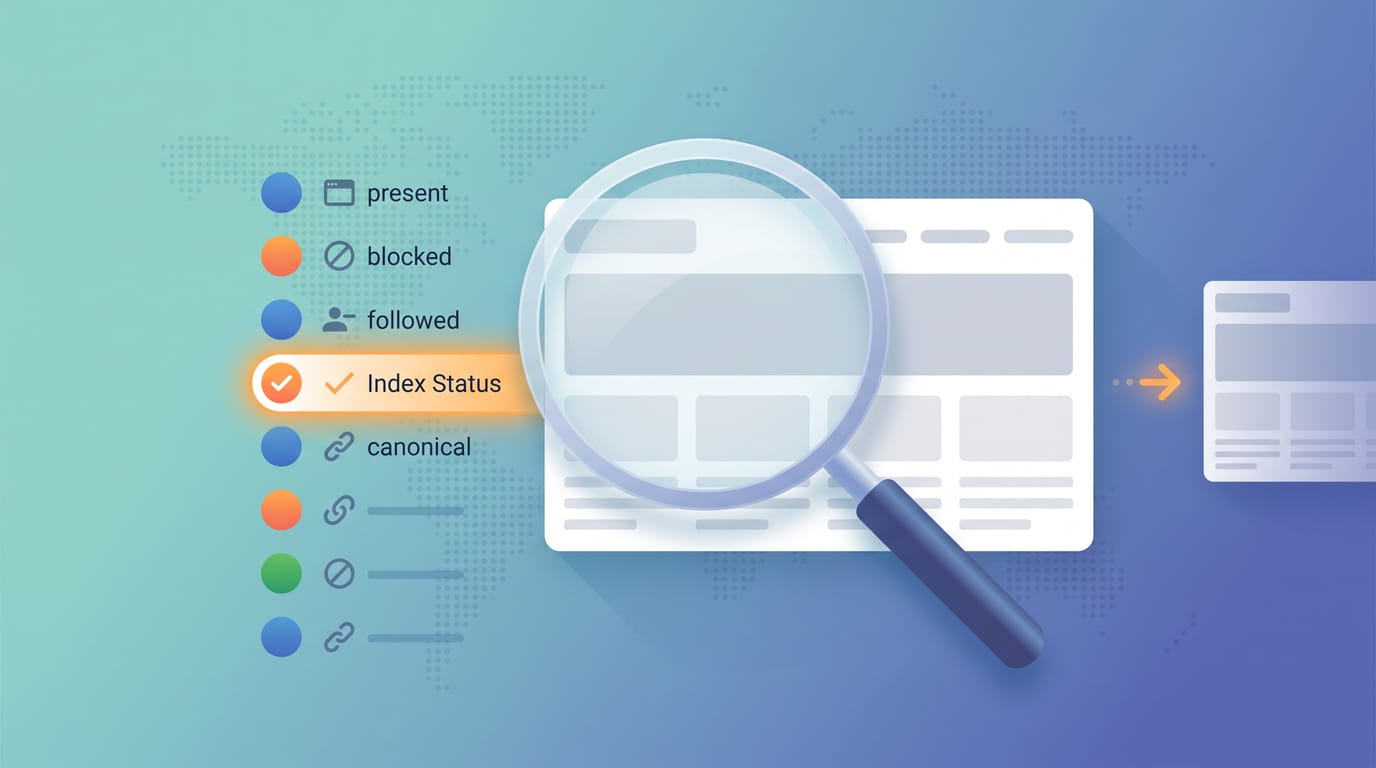
To check if a backlink is indexed, search Google for the exact URL of the page your link sits on, not your own page. Paste the full referring URL into the search bar. If that page appears, Google has it indexed and the link on it can pass signals. If nothing returns, the link currently passes nothing.
That is the short version, and it is where most guides stop. The problem is that the two methods people are usually told to use, the site: operator and Google Search Console, both fail in ways that produce confident wrong answers. Here is what each method actually proves.
The four methods, and what each one really tells you
| Method | Works on pages you don't own | What it proves | Main failure mode |
|---|---|---|---|
| Raw URL search | Yes | Page is in the index right now | Silent on very low value pages |
site: operator |
Yes | Weak positive only | Returns nothing for indexed pages |
| GSC URL Inspection | No | Nothing, cannot be used | Requires verified ownership |
| GSC Links report | Partial | Google saw the link | Lags, and is not index status |
| Bulk backlink index checker | Yes | Index status plus six other conditions | Costs a lookup per URL |
The row that surprises people is the third one. Every method that involves Google telling you directly about a page requires you to own that page, and a backlink by definition sits on someone else's domain.
Method 1: search the exact referring URL
This is the most reliable manual check, and it is not the one usually recommended.
- Get the full URL of the page your link is on, for example
https://example.com/blog/best-tools-2026. Not the homepage, not your own page. - Paste it into Google exactly as it is, with no operator in front of it.
- If Google returns that page as a result, it is indexed.
Searching the bare URL is a stronger signal than site: because Google treats it as a navigational lookup rather than a filtered listing. When the page exists in the index, this usually surfaces it.
The limit: a page can be indexed and still not surface for its own URL if Google has heavily demoted it. That is rare, but it means an empty result is evidence, not proof.
Method 2: the site: operator, and why it lies
The advice you will see everywhere, including in Google's own AI Overview for this query, is to run site: against the referring URL:
site:https://example.com/blog/best-tools-2026
Two problems.
First, Google has said repeatedly that site: is not a diagnostic tool. It is a filter applied over results, and its output is explicitly not guaranteed to be complete. An indexed page can be absent from a site: result set. If you take an empty site: query as proof of non-indexing, you will conclude a healthy link is broken and go chase a problem that does not exist.
Second, the syntax circulating in AI answers right now is malformed. Variants like site:://linkingpage.com are being reproduced verbatim from low-quality sources and return nothing at all, which reads to a beginner as "not indexed" when the query itself never ran properly.
Use site: as a positive test only. If the page comes back, it is indexed. If it does not, you have learned nothing and need a second check.
Method 3: Search Console, and the ownership wall
This is the method most articles get wrong, and it matters because it is the one people trust most.
URL Inspection does not work on backlinks. The tool only accepts URLs inside a property you have verified in Search Console. You have not verified the domain that linked to you, so there is no way to inspect the referring page. No workaround exists. This is not a limitation to route around, it is the design.
The Links report is a different thing entirely. Under Links, external links, Google shows pages it has crawled and attributed as pointing at your site. That is genuinely useful: it confirms Google found the link. But it answers a different question than the one you asked. A referring page can appear in your Links report while being absent from the index, because crawling and indexing are separate stages. The report also lags, commonly by days, so a link that went live this week may simply not be there yet.
If you want the equivalent check for pages you do own, that is a different workflow: see how to check if a page is indexed.
Method 4: run the list through a checker
Manual checks are fine for one link. They stop being fine at twenty, and they were never a monitoring strategy, because they are point-in-time.
The backlink index checker takes a list of referring URLs and your target domain, and returns index status per page along with the six other conditions below. It handles 10 URLs per run, no signup. The index lookup is the slow leg, so when Google's response does not come back in time the tool reports unknown for that row rather than guessing. A wrong "not indexed" is worse than an honest blank.
Indexed is only one of seven ways a backlink dies
Here is the part that changes what you do with the answer. Index status is one bit. A link builder told "indexed" while the link itself was quietly deleted has been told something worse than nothing, because it was said with confidence.
There are seven conditions, and six of them fail silently:
- Unreachable. The referring page 404s, 5xxs, or has stopped responding.
- Link removed. The page loads fine, but your link is no longer in the HTML. Common after editorial refreshes and CMS migrations.
- Crawl blocked. The host's
robots.txtdisallows the path, so Googlebot never reads the link. Check with the robots.txt checker. - Noindexed. A meta robots tag or
X-Robots-Tagheader carriesnoindex. Check with the noindex checker. - Not indexed. Google crawled it and did not keep it, or has not got to it yet. These two are not the same thing, and telling them apart is the difference between waiting and giving up. See crawled, currently not indexed.
- Nofollowed. The link carries
rel="nofollow",rel="ugc"orrel="sponsored". The page can be perfectly indexed while Google treats the link as a hint it is free to ignore. Check with the nofollow link checker. - Canonical mismatch. The referring page canonicals to a different URL, so Google credits that URL instead. Your link may not exist on the page Google actually kept.
A tool that reports only condition 5 will return a clean green result in cases 2, 6 and 7. That is the failure this whole category has, and it is the reason to check the link and its rel attribute in the same pass as the index lookup.
If the referring page is not indexed
The instinct is to submit it. You cannot: every Google submission channel requires proof you own the domain, and a backlink sits on someone else's. That rules out Request Indexing, the Indexing API and IndexNow in one stroke, and it applies to every service selling the fix as well.
What remains is building a crawl path to the page, and the right move depends on which of two states you are in. Never crawled is a discovery problem and is solvable. Crawled and rejected is a quality judgment and is not. The four levers that do exist, and how to tell the states apart, are in how to index backlinks.
Before spending anything on either: if the link is nofollowed or already gone from the page, index status does not matter. Check conditions 2 and 6 first. And on whether an unindexed link is worth anything at all, see do backlinks need to be indexed.
Check once, then watch
Every method on this page answers "is this link working right now". None of them tells you when it stops.
Links decay quietly. Editorial refreshes drop them, sites migrate and 404 the page, a redesign adds rel="ugc" sitewide, a host adds a noindex to their entire /resources/ tree. Nothing notifies you. The first symptom is usually a ranking drift with no obvious cause, months after the link went.
If a link cost you money or a month of outreach, verify it once at delivery and re-check it on a schedule after that. The manual checks above cannot do the second part, which is the honest reason bulk monitoring exists.
Start here: run your referring URLs through the backlink index checker with your target domain filled in, so you get all seven conditions instead of one bit.
Frequently asked questions
- How do I check if a backlink is indexed?
- Search Google for the exact URL of the page your link sits on, not your own page. Paste the full referring URL into the search bar. If that page comes back as a result, Google has it in the index and the link on it can pass signals. If nothing returns, run the same URL through a backlink index checker to confirm, because a raw URL search can return nothing for a page that is indexed but very low value.
- Does the site: operator prove a backlink is indexed?
- Not reliably. Google has repeatedly said site: is a filter, not a diagnostic, and its results are not guaranteed to be complete. A site:https://example.com/exact-page query can return zero results for a page that is genuinely indexed, especially on large or heavily filtered domains. Treat an empty site: result as a reason to check again another way, not as proof of non-indexing.
- Can I use Google Search Console to check a backlink?
- Only partially. The URL Inspection tool works exclusively on properties you have verified, and a backlink lives on someone else's domain, so you cannot inspect the referring page. The Links report is different: it shows pages Google has crawled and attributed as linking to you. That confirms Google saw the link, but it does not confirm the referring page is currently in the index, and the report lags by days.
- Should I check my page or the page that links to me?
- The page that links to you. This is the most common mistake in backlink verification. Your own page being indexed tells you nothing about whether the link pointing at it is working, and the two are on different domains with different crawl histories. The URL you want is the full address of the article, directory entry or resource page where your link physically sits.
- The linking page shows in Google but not in my Search Console Links report. Why?
- Because the two answer different questions and update on different schedules. A page appearing in Google means it is in the index. The Links report means Google has crawled that page, attributed the link to your site, and finished processing it into the report, which commonly lags by days. A recently published link is often indexed well before it appears under Links, so the report being empty is not evidence the link is broken.
- How many backlinks should I check at once?
- Check the links that cost you something first: paid placements, guest posts, digital PR wins and anything with a contractual deliverable. For those, per-link verification is worth it. For a large scraped or directory profile, spot check a sample by referring domain, because the failure mode is usually shared across every link from the same host.
- Is an indexed backlink automatically a good backlink?
- No. Indexed is one of seven conditions, and the other six fail silently. The page can be indexed while your link has been removed from it, marked rel=nofollow, ugc or sponsored, or sat on a page that canonicals somewhere else. A checker that reports only index status will tell you the link is fine in all four of those cases.
Monitor your index status automatically
SearchOptimo re-checks your URLs on a schedule and alerts you when something drops. Start free, no credit card.
Start freeKeep reading

Backlinks
Do Backlinks Need to Be Indexed? (No. Crawled, Yes)
Google's own AI gives two opposite answers. Here is the real mechanism, why index status is still the number to watch, and what to do about it.
Backlinks
How Long Do Backlinks Take to Index? (Nobody Measured)
A few days to a few weeks for the ones that index at all. Where every published figure actually comes from, and the question worth asking instead.
Backlinks
How to Index Backlinks: There Is No Submit Button
Every Google submission channel requires domain ownership, and a backlink sits on someone else's. What that rules out, and the four levers that remain.