Deindexing
How to Get Alerted When Google Deindexes a Page (And Why Google Alerts Can't Do It)
Most advice tells you to set a Google Alert. It cannot work: alerts fire when results appear, never when they vanish. Here is how deindex alerting actually works.
Stop guessing whether your pages are still indexed. SearchOptimo checks them on a schedule and alerts you the moment one drops.Start free, no credit card required.
Start free trial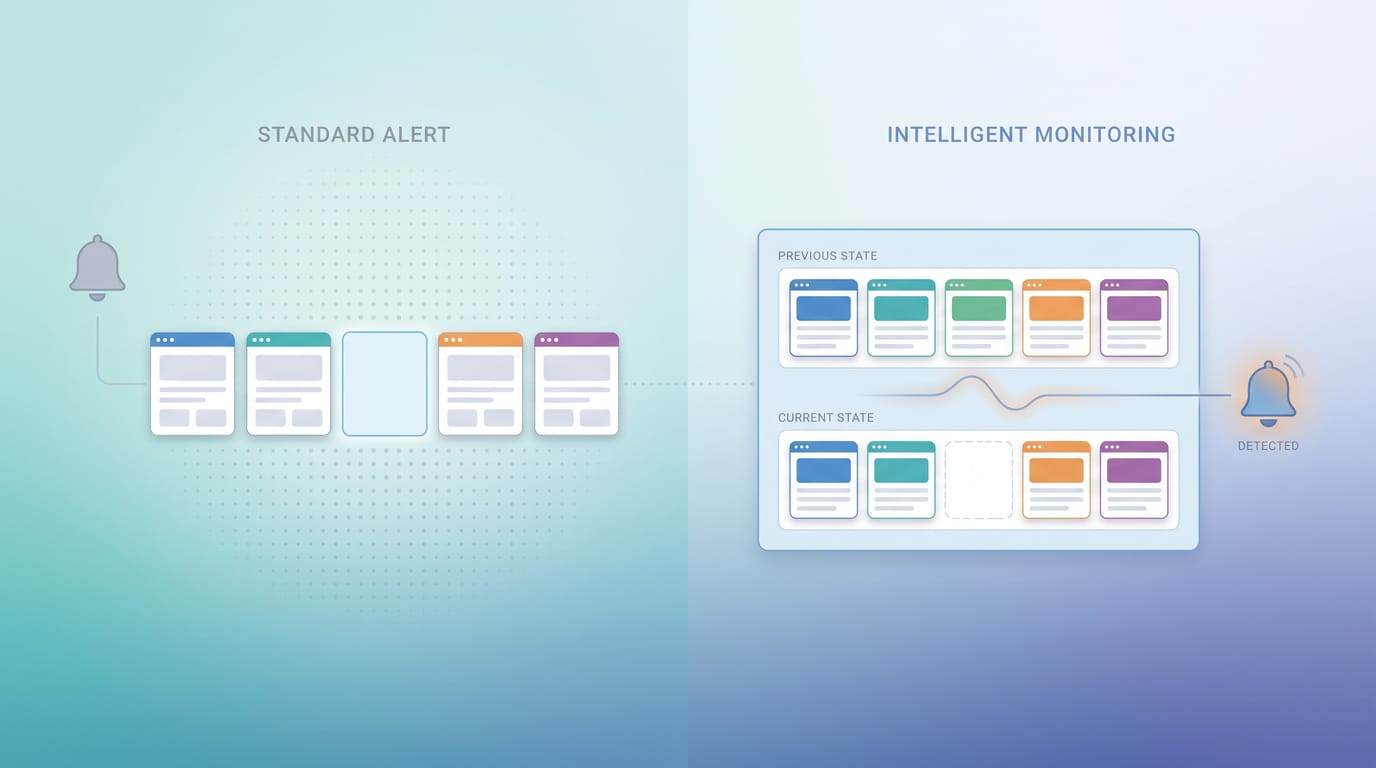
To be alerted when Google deindexes a page, you need a monitor that re-checks each URL's index status on a schedule and emails you when it flips from indexed to not indexed. Google Alerts cannot do this. It fires when new results appear, never when one disappears, and that single mechanical fact invalidates the most common advice on the internet for this exact problem.
Here is what actually works, and why almost nothing else does.
The advice everyone gives, and the reason it fails
Search for how to get alerted about deindexing and you will be told to create a Google Alert for site:yourdomain.com/your-page. Google's own AI Overview recommends it, complete with malformed syntax (site:://yourdomain.com), alongside a suggestion to "manually check" URL Inspection.
That advice is not merely weak. It is structurally incapable of doing the job.
Google's documentation states the trigger in one sentence: you get emails "when new results for a topic show up in Google Search."
Read that again with your problem in mind. A deindexed page is not a new result showing up. It is an existing result ceasing to exist, and Google Alerts has no trigger for that event.
Set the alert and you get silence. Your page stays indexed: silence. Your page drops out of the index entirely: also silence. An alarm whose output is identical in the emergency and the all-clear is not an alarm, and the gap between those two states is the whole problem you were trying to solve.
The absence problem
This is the trap underneath every failed attempt at deindex alerting, and it is worth naming because it predicts which tools will work before you test them.
Most monitoring fires on presence: something appeared, a number moved, an error was thrown. Deindexing is an absence event, and absence produces no signal on its own. Nothing happens, which is precisely what makes it invisible.
Your server never notices, because from its point of view the page is fine and still returns a 200. Your analytics show a slow decline that looks like a dozen other things. The only system that knows is Google's index, and it does not send you a notification when it drops a URL.
So the test for any candidate tool is a single question: does it fire on absence, or only on presence? Run that question across every option and the field collapses fast.
Every detection channel, scored on one question
| Channel | Fires on absence? | Realistic lag | Verdict |
|---|---|---|---|
Google Alerts (site: query) |
No. Triggers only on new results appearing | Never fires | Cannot work, at any configuration |
| GSC URL Inspection | No. You initiate it manually | Only when you remember | Confirmation tool, not an alarm |
| GSC Page Indexing report | Partly, in aggregate counts | Days of processing lag | Tells you something dropped, not what |
| GSC email notifications | Only for issue categories and manual actions | Days | Will not email you about one URL vanishing |
| Rank tracker | Indirectly, as "not in top 100" | 1 day or more | Ambiguous: cannot separate a rank drop from a deindex |
| Analytics traffic alert | Indirectly, after the loss | Days to weeks | Confirms damage that already happened |
| Scheduled per-URL index monitoring | Yes. Compares status against the last check | Hours | The only channel built for absence |
Only the last row answers the question you actually asked, and the reason is not brand preference. It is the only method that stores a previous state and compares against it. Absence is only detectable as a difference from a remembered baseline, which means memory is the feature, not the checking.
That distinction explains why Search Console feels like it should solve this and never quite does.
What Search Console does and does not send you
Search Console does email you, which is why people assume deindexing is covered. It sends manual actions, security issues, and notices when a category of indexing problem crosses a threshold.
What it does not send is a message saying "this specific URL left the index today." The Page Indexing report works in aggregate counts on a processing delay of days, so a single important page dropping out registers as a number moving by one, buried among URLs you never cared about.
For one page out of forty, that is undetectable in practice. For your highest-converting page out of forty, it is expensive. (If you want that in currency, we modelled it in what a de-indexed page actually costs.)
Search Console remains the right place to diagnose a drop. It is simply not the thing that tells you a drop happened, and those are two different jobs.
How to actually set up a deindexing alert
Four decisions, in order. Each one has a right answer that most people get wrong on the first attempt.
- Pick the URLs that matter, not all of them. Money pages, top organic landing pages, and anything recently migrated or redeployed. Watching 5,000 URLs equally produces noise you will start ignoring by week two.
- Set the cadence to match your recovery speed. Every 6 hours for commercial pages, daily for the rest. A weekly check means up to seven days of loss before the alarm even considers ringing.
- Require the history, not just the check. You need to know when a page fell, because that timestamp is what you correlate against your deploy log to find the cause in minutes instead of days.
- Route the alert somewhere you actually read. An alert that lands in a dashboard nobody opens has recreated the original problem with extra steps.
That is the entire configuration. The reason it is rarely done is not difficulty, it is that the job has no obvious owner until the first expensive page disappears.
One URL or a whole site? Yours or a competitor's?
Two questions worth answering directly, because the setup genuinely differs.
Single URL versus whole site. A handful of critical URLs is the higher-value setup, and it is the one to start with. Whole-site coverage matters when you run a large catalog where drops cluster (a template change taking out an entire product category, for example), and there the value is in seeing the pattern, not the individual page.
Your pages versus a competitor's. Index monitoring reads public search results, so it needs no ownership of the domain at all. You cannot fix or submit a page you do not own, but you can absolutely watch whether it is still indexed, which makes competitor deindexing one of the few genuinely observable events in SEO.
Whichever you configure, the alert firing is the easy part. What you do in the next hour decides how much it costs you.
The first hour after an alert fires
Confirm before you panic. Open URL Inspection in Search Console and check live status: one failed automated check can be a timeout or a bot block rather than a real removal.
If it is genuinely gone, work the causes in order of how often they are the culprit: a stray noindex shipped in a deploy, a robots.txt disallow, a canonical pointing elsewhere, server errors during recrawl, then quality or manual actions last. Our deindex cause diagnostic walks that list against a live URL if you want it automated, and what de-indexed actually means separates a real removal from a ranking drop, which is the distinction that decides whether any of this applies.
Then fix, request indexing, and submit via IndexNow. Recovery is not instant even after a correct fix, which is exactly why the detection window is the part worth optimising: it is the only portion of the total loss you fully control.
Turn the alarm on
The uncomfortable summary: the most widely recommended method for this problem cannot work, and the tool everyone trusts reports the event in aggregate, days late. That gap is why deindexing is usually discovered in a traffic report rather than an alert.
Closing it takes about five minutes. Start a free trial, add the URLs that make you money, and SearchOptimo re-checks their index status every 6 hours, keeps the history, and emails you when one flips to not indexed (100 URLs, no card required).
If you want to see the mechanics first, the deindexing alerts overview covers how the monitoring loop runs, and silent deindexing explains why these drops stay invisible for so long.
Frequently asked questions
- Can Google Alerts notify me when a page is deindexed?
- No. Google's own documentation defines the trigger one way: you get emails when new results for a topic show up in Google Search. There is no disappearance trigger, so a `site:` Google Alert stays silent forever whether your page is indexed or gone. Silence is its output in both cases, which makes it unusable as a deindexing alarm.
- Will a deindexing monitor send me false alarms?
- Occasionally, and the cause is usually real rather than a bug. Index status genuinely flickers on some URLs, and a single failed check can reflect a timeout or a bot block rather than a true removal. Treat one missed check as a signal to confirm in URL Inspection, and treat two or three consecutive misses on a page that used to be stable as a real drop.
- Does a deindexing alert mean my site has a penalty?
- Almost never. Manual actions are rare and Search Console tells you about them directly in the Manual Actions report. Far more deindexing is self-inflicted and boring: a stray noindex tag shipped in a deploy, a robots.txt disallow, a canonical pointing at another URL, or a run of server errors during a recrawl.
- Can I get alerted when a competitor's page is deindexed?
- Yes, because index-status checking runs against public search results and needs no ownership of the domain. This is the one deindexing question where you are not blocked by verification: you cannot submit or fix someone else's page, but you can watch whether it is still in the index.
Monitor your index status automatically
SearchOptimo re-checks your URLs on a schedule and alerts you when something drops. Start free, no credit card.
Start freeKeep reading
Indexing
Pages Deindexed After a Google Update? Here Is What We Measured During the August 2026 Rollout
Google's August 2026 spam update is still rolling out. We re-checked 288 indexed URLs, and we publish our own 97% visibility loss. Here is how to tell a deindexing from a ranking drop.
Deindexing
De-indexed: What It Means and How to Get Your Pages Back
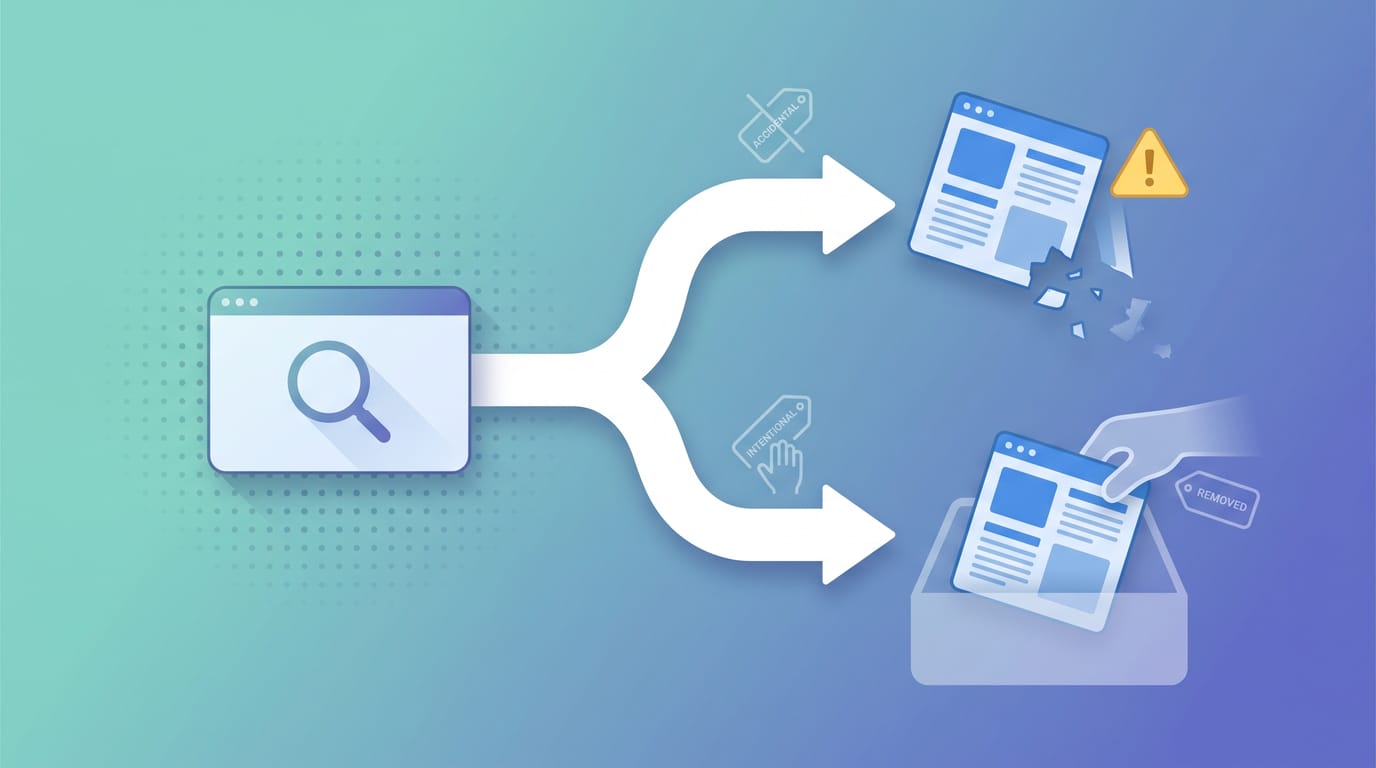
De-indexed means Google dropped your page from its index. The word covers two opposite situations, and confusing them sends you to the wrong fix. Here is the split, and how to get an involuntarily de-indexed page back.
Deindexing
What a De-indexed Page Actually Costs You
A page that drops out of Google earns nothing until you fix it. Here is how to put a real dollar figure on a de-indexed page, and how much of that loss is avoidable.