Deindexing
De-indexed: What It Means and How to Get Your Pages Back
De-indexed means Google dropped your page from its index. The word covers two opposite situations, and confusing them sends you to the wrong fix. Here is the split, and how to get an involuntarily de-indexed page back.
Stop guessing whether your pages are still indexed. SearchOptimo checks them on a schedule and alerts you the moment one drops.Start free, no credit card required.
Start free trial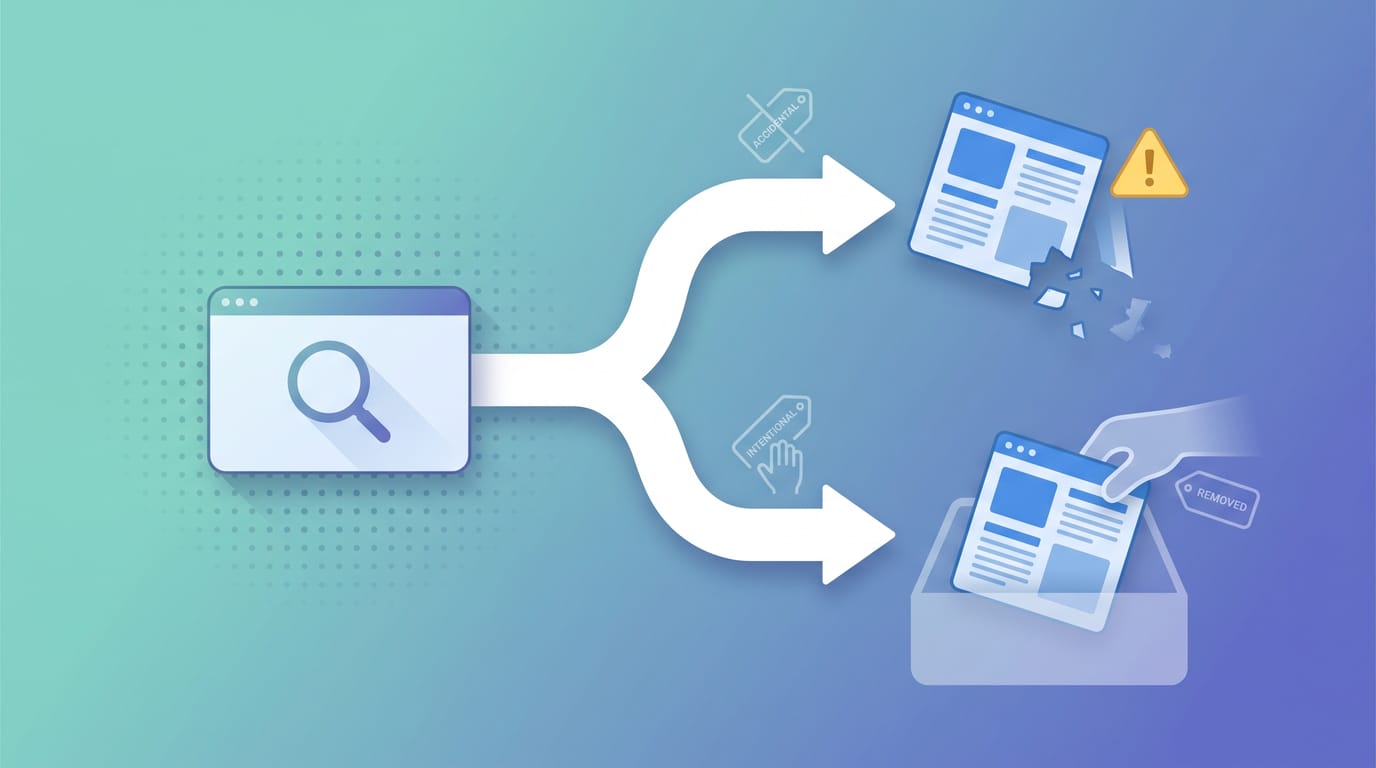
De-indexed means Google has removed a page from its index, so it no longer appears for any search even though the page still loads normally for anyone who visits it directly. The word covers two opposite situations: Google dropping your page without asking, or you deliberately removing one.
Almost every wrong turn on this topic starts by confusing those two, so this page separates them before anything else.
The definition, precisely
Google's index is the database it searches when someone types a query. Ranking happens inside that database, so a page that is not in it cannot rank for anything, no matter how good it is.
De-indexing is removal from that database. Three things stay true when it happens, and each one is why people miss it:
- The page still works. It returns a normal 200 response to any visitor.
- Your server reports nothing wrong, because from its point of view nothing is.
- Direct links still work. Anyone with the URL reaches it fine.
The only place the change is visible is inside Google. That is what makes de-indexing quieter than almost any other way of losing traffic.
The word means two opposite things
Here is the split that the search results themselves keep blurring. Search for what de-indexing means and you get reputation-management firms, Google's removal documentation, and SEO diagnostics all on one page, because two completely different people use the same word.
| Your situation | What you mean by "de-indexed" | What you actually need |
|---|---|---|
| Your pages vanished and you did not do it | Involuntary. Google dropped them | Find the cause, fix it, get them back |
| You want a page of yours out of Google | Voluntary. You are removing it | The right removal method, applied once |
| You want a page about you gone, on someone else's site | Neither. You have no control of that page | A request to the owner or to Google |
Those three need three different articles, and most pages on this topic silently pick one and leave the other readers stranded.
Work out which row you are in before you do anything else. The rest of this page takes them in order.
De-indexed is not the same as ranking badly
Before the fixes, one distinction worth being exact about, because it decides whether you have a small problem or a total one.
A ranking drop means the page is still indexed and simply shows up lower. Traffic falls, and you keep some of it. De-indexing is a fall from some position to no position at all, which means zero, and it will not recover on its own if the cause is still in place.
Search Console's URL Inspection tool tells you which one you have in a single check. It will either say the URL is on Google (indexed, just not ranking well) or that the URL is not on Google.
One more misconception worth clearing: de-indexed does not mean penalised. Manual actions are comparatively rare and Search Console reports them explicitly under Manual Actions, whereas most de-indexing is an accident somebody shipped.
This distinction matters most right after an algorithm update, when a ranking change and a de-indexing feel identical from the traffic graph. We re-checked 288 URLs during the August 2026 spam update rollout and found 98.3% were still indexed, which is the usual answer: the pages are there, they are just ranking differently.
If Google removed your pages without asking
This is the involuntary row, and the causes are duller than most people fear. In rough order of how often they turn out to be the culprit:
- A
noindextag shipped by accident, usually in a template or a staging config promoted to production. - A
robots.txtdisallow blocking the section. - A canonical tag pointing at a different URL, telling Google to keep that one instead.
- Server errors or timeouts during recrawl.
- Quality assessments, where Google keeps crawling but stops keeping the page.
- A manual action, last and least common.
Our de-index cause diagnostic checks that list against a live URL, and why pages get crawled but not indexed covers the quality end in depth.
The harder problem is not fixing it. It is that nothing tells you it happened, which is why the loss is usually measured in weeks. Silent deindexing explains why the drop is invisible, and what a de-indexed page costs puts a figure on the delay.
How to get a de-indexed page back into Google
There is no button that puts a page back. Re-indexing is not an action you perform, it is something Google does on its next crawl once the reason for the removal is gone. That single fact explains why most recovery advice disappoints: it is all nudges, and none of them override the cause.
So the order matters, and it is not the order most people use.
- Fix the cause first. A page that still carries the
noindex, the disallow, or the canonical will not come back no matter how many times you ask. Every step below is wasted until this one is done. - Verify the fix the way Google sees it, not the way your CMS reports it. Use URL Inspection's live test, which fetches the page fresh rather than replaying Google's last crawl.
- Then ask for a recrawl, once. Request Indexing in URL Inspection is the standard nudge for a single URL. Submitting the same URL repeatedly does not help: Google states that requesting a recrawl multiple times for the same URL "won't get it crawled any faster", and that a crawl request "does not guarantee that inclusion in search results will happen instantly or even at all". See Google's request indexing limits for what is actually documented, which is less than the 10-to-15-per-day figure everyone repeats.
- For more than a handful of URLs, use the channels built for volume. An up-to-date XML sitemap is the durable one. IndexNow pings participating engines directly. How to submit your site to Google covers the mechanics of both.
On timing, be sceptical of anyone quoting you a number. Google does not publish a recovery window, and the honest answer is that it depends on how often your site gets crawled, which varies enormously between a news site and a brochure site. A frequently crawled page can return in days. A rarely crawled one on a low-authority domain can sit there far longer.
One thing does reliably shorten the total loss, and it is not the recovery half. It is the detection half. The gap between the day a page dropped and the day you noticed is usually the largest part of the damage, and unlike crawl scheduling, it is entirely within your control.
If the page still does not come back after the cause is fixed and Google has recrawled, the removal was probably not mechanical. That points at the quality end of the list, covered in why pages get crawled but not indexed.
If you want to remove a page yourself
This is the voluntary row, and picking the wrong method here is extremely common. The options are not interchangeable.
| Goal | Method | What actually happens | How long it lasts |
|---|---|---|---|
| Hide it right now | Search Console Removals tool | Hidden from results, but still crawled and still indexed | About six months only |
| Remove it for good | noindex meta tag or X-Robots-Tag |
Dropped once Google recrawls the page | While the tag stays |
| The page should not exist | Return 404 or 410 | Dropped once Google recrawls | Permanent |
| Nobody should reach it | Password protection | Never crawled at all | Permanent |
The Removals tool is the one people reach for and the one that disappoints, because it is a stopgap: Google documents that a successful request "lasts only about six months," and blocking a URL "does not prevent Google from crawling your page, only from showing it in Search results."
The trap that wastes the most time: do not block a page in
robots.txtand expect anoindextag to work. Google is explicit that "if the page is blocked by a robots.txt file or the crawler can't access the page, the crawler will never see thenoindexrule, and the page can still appear in search results."
Blocking crawling and blocking indexing are different controls, and using the first to achieve the second is self-defeating. Let Google crawl the page so it can see the instruction to drop it.
When the page you want gone is not yours
This is the third row, and it deserves a straight answer because most SEO content skips it.
Every control above requires access to the site the page lives on. A noindex tag has to be in that site's HTML, a 404 has to come from that site's server, and Search Console only works for properties you have added. You cannot de-index a page you do not control, and no tool or setting changes that.
That leaves two real routes. Ask the site owner to remove or noindex the page, which is slower but the only permanent fix. Or file a request with Google under a policy that actually covers your case, such as personal contact information or a legal complaint, which removes the result from Google without touching the page itself.
Anything promising to "de-index" someone else's page by other means is selling one of those two routes with markup on top.
What to do next
If you are in the voluntary row, pick the method from the table that matches how permanent you need it and apply exactly one. If the page is someone else's, start with the owner.
If Google removed your pages without asking, the fix is the easy half. The expensive half is the gap between the drop and the day you noticed, which is the only part of this you control. Start a free trial, add the pages that make you money, and SearchOptimo re-checks their index status on a schedule and emails you when one drops out (100 URLs, no card required).
For the mechanics of that, see how to get alerted when Google deindexes a page.
Frequently asked questions
- What does it mean when a page is deindexed?
- A deindexed page has been removed from Google's index entirely: it no longer appears for any query, no matter how well it would otherwise rank. The page itself keeps loading normally, since deindexing is a change on Google's side, not an error on yours.
- How is deindexing different from a ranking drop?
- A ranking drop means the page is still indexed but shows up lower in results. A deindexed page is gone from the index completely, a fall from some position to no position at all. Search Console's URL Inspection tool distinguishes the two: it will say the URL is indexed but not ranking well, or that the URL is not on Google.
- How do I deliberately deindex my own page from Google?
- Use a `noindex` meta tag or X-Robots-Tag header, or return a 404 or 410 status if the page should be gone entirely. Google's Removals tool only hides a URL for about six months and does not remove it from the index, so it is a stopgap rather than a fix. Critically, do not also block the page in robots.txt.
- How do I get a de-indexed page back into Google?
- Fix whatever caused the removal first, because no request overrides a live `noindex`, robots.txt disallow or canonical. Confirm the fix with URL Inspection's live test, then use Request Indexing once for that URL. Submitting the same URL repeatedly does not help, and Google does not guarantee inclusion or publish a recovery window. How long it takes depends mostly on how often Google crawls your site.
- Can I deindex a page from Google that I do not own?
- Not through normal SEO controls. `noindex` tags, status codes and Search Console all require access to the site the page lives on, so removing someone else's page means asking that site's owner, or filing a request with Google under a policy that covers your case such as personal information or a legal complaint.
Monitor your index status automatically
SearchOptimo re-checks your URLs on a schedule and alerts you when something drops. Start free, no credit card.
Start freeKeep reading
Google Search Console
"Duplicate Without User-Selected Canonical": What It Means and When to Act
Google found two or more URLs it reads as the same page, you never told it which one to keep, so it picked one. What that costs you, how to diagnose the cause, and when the right move is nothing.
Google Search Console
"Excluded by 'noindex' Tag": What It Means and How to Fix It
This status means Google found an explicit noindex directive on the page and obeyed it. The fix is finding which of two places it came from, since one of them is invisible in the page source.
Google Search Console
"Indexed, Though Blocked by Robots.txt": What It Means and the Fix
Google indexed a URL it was never allowed to crawl. What the status means, why it happens, when it is harmless, and the one fix that actually works.