Indexing
Crawled but Not Indexed? It Is Not Your Technical Setup. It Is Authority.
If Google crawled your page but will not index it, your technical SEO is probably fine. The status itself proves it. Here is what actually decides indexing, and how to tell.
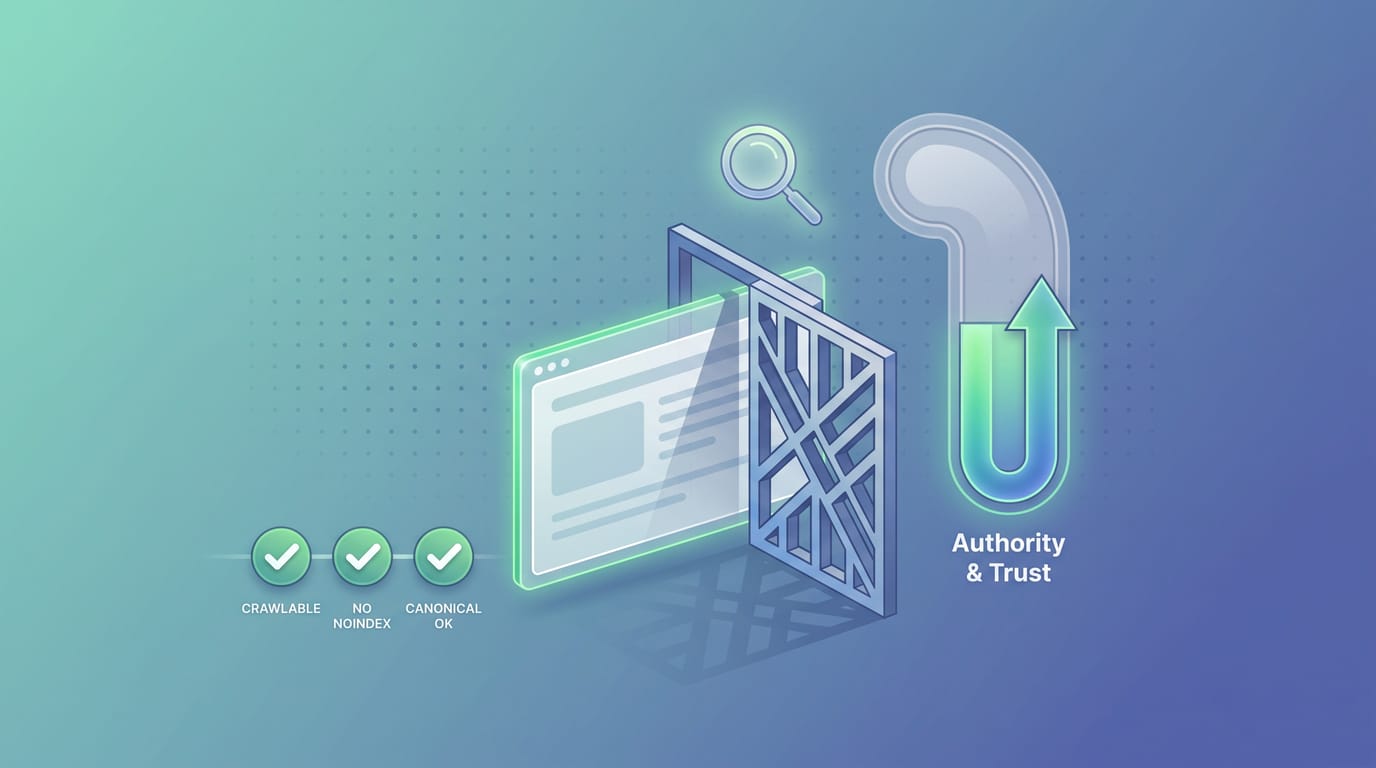
If you have opened Google Search Console, found a wall of pages marked "Crawled – currently not indexed," and thought my entire technical setup is perfect, so why is this happening, this post is for you.
Here is the uncomfortable, freeing truth: if your pages reached "crawled," your technical setup is almost certainly not the problem. The status itself is the proof.
"Crawled" already means your technical setup passed
This is the part almost everyone misses. A page cannot reach "crawled – currently not indexed" if it has a technical blocker. To get to "crawled," the URL has to clear every one of these checks first:
- Not blocked by robots.txt
- No
noindextag - No redirect sending Googlebot elsewhere
- No 4xx or 5xx server error
- A resolvable, Google-selected canonical
If any of those fail, the page shows up under a different status entirely (blocked, excluded by noindex, redirect, server error). So by the time you are staring at "crawled, not indexed," Googlebot has already fetched the page, rendered it, and confirmed it is technically fine.
That is why re-checking your meta tags, resubmitting your sitemap, and clicking "Request Indexing" for the tenth time rarely moves anything. You are debugging a layer that already works.
So what actually decides indexing?
Once a page is technically eligible, Google makes a separate judgment: is this worth storing and showing to searchers? That decision runs on three things, none of them technical:
- Trust. New or low-authority domains get less indexing generosity. Google prioritizes crawling and indexing sites it already trusts.
- Value and uniqueness. Thin, templated, or near-duplicate pages get crawled and skipped. If the page does not answer a real query better than what already ranks, Google has little reason to add another copy.
- Demand. If there is no real search interest in the topic, indexing it is low priority.
A useful way to hold it: technical SEO gets you eligible. Authority and demand get you indexed. The people who work through this every day almost always land on the same conclusion, that a "crawled, not indexed" page is a value and trust signal wearing a technical costume.
How to tell it is authority, not a bug
A few signals confirm you are looking at an authority or value problem rather than a hidden technical one:
- Bing indexes the pages but Google does not. If the same URLs are good enough for Bing, they are technically fine. Google is just applying a higher trust bar. This is one of the clearest tells.
- The domain is new or has few links. Sites without much link equity routinely sit in "crawled, not indexed" for weeks, then get indexed as authority builds.
- The content is formulaic. If every post reads like it was written by "staff," never uses the word "I," and shows no first-hand experience, it reads as low E-E-A-T. Google has become far more selective about impersonal, boilerplate content.
- You publish a high volume fast. Adding many pages per day to a young site outpaces the trust needed to index them, so new pages queue up faster than Google is willing to index them.
What actually moves it
You cannot toggle authority the way you toggle a canonical tag, but you can build it deliberately:
- Earn a few real links from already-indexed, trusted sites. Even a handful changes how Google prioritizes crawling your pages.
- Internal-link from your strongest pages. Link equity flows best from pages Google already trusts and crawls often, not from an even spread across every article. Point it at the pages that matter most.
- Make each page genuinely distinct. Consolidate near-duplicates, add first-hand experience, and give Google a reason this page deserves to exist. (Our companion guide on what "crawled – currently not indexed" means and how to fix it has the full page-level checklist.)
- Match real demand. Target topics people actually search, not just keywords a tool surfaced.
When it genuinely is still technical
Honesty matters here, because a small share of cases really are technical even at the "crawled" stage. Watch for these:
- Your server geo-blocks Googlebot. If your host quietly blocks US IP ranges, Googlebot (which crawls from the US) can fail to fetch content while your browser loads fine. Test a live URL inspection and confirm Google sees the full content.
- A blank Google-selected canonical on every inspected URL can point to a duplication or consolidation issue.
- Sitemap confusion, such as "No referring sitemaps detected" despite a valid sitemap, is worth resolving, though it is rarely the root cause of mass non-indexing.
If you suspect one of these, start with our breakdown of why Google is not indexing your site and the discovered, currently not indexed status, which is a related but distinct signal.
Authority takes time, so watch the status, do not refresh it
Here is the practical problem. Authority builds gradually, and indexing follows on a later crawl, not the moment you finish. So the honest answer to "when will it index" is "keep improving the pages and wait," which is miserable to monitor by hand. Pages can also index today and quietly drop next week after a content change or a Google update.
That is exactly what SearchOptimo is built for. It re-checks the index status of every URL on a schedule and tells you the moment a page gets indexed, or the moment one falls back out, so you find out from a dashboard instead of from a traffic drop weeks later.
If you are working through a batch of "crawled, not indexed" pages, start free and watch your own URLs move, or see whether SearchOptimo is worth it for your case first.
Frequently asked questions
- If my technical SEO is perfect, why is Google not indexing my pages?
- Because indexing is not a technical decision. Once a page reaches 'crawled – currently not indexed,' it has already passed every technical check: no blocks, no noindex, no redirect, no server error. What is left is Google's judgment on value, trust, and demand. Perfect technical SEO makes a page eligible to be indexed; it does not make Google want to.
- Does 'crawled – currently not indexed' mean something is broken?
- No. It is the opposite. A page only reaches 'crawled' after clearing robots.txt, noindex, canonical, redirect, and server-error checks. The status confirms your technical setup worked. The decision not to index is about perceived value and authority, not a bug.
- Bing indexed my pages but Google did not. What does that tell me?
- It is strong evidence the problem is not technical. If the same pages are indexable enough for Bing, they are technically fine. Google simply applies a higher trust and value bar, especially for newer or low-authority sites. That gap points to authority, not a crawl error.
- How do I build enough authority to get indexed?
- Earn a few real links from already-indexed, trusted sites; internal-link the target pages from your strongest existing pages; make each page genuinely distinct and useful; and show real human expertise (E-E-A-T). Then monitor the status over time, because authority builds gradually and indexing follows on a later crawl, not instantly.
Monitor your index status automatically
SearchOptimo re-checks your URLs on a schedule and alerts you when something drops. Start free, no credit card.
Start freeKeep reading

Google Search Console
"Alternate Page With Proper Canonical Tag": When to Worry
Usually it means Google agreed with your canonical and there is nothing to do. The two cases where it is a real indexing loss, and how to tell them apart.
Indexing
Google Request Indexing Limits: How Many URLs Per Day, Really
Google does not publish a daily Request Indexing number, despite the 10-15 figure everyone repeats. Here are the limits Google actually documents, and what happens when you try to exceed them.
Indexing
How to Submit Your Site to Google (and Actually Get It Indexed)
Submitting your site to Google takes about ten minutes: verify in Search Console, submit a sitemap, then request indexing for priority URLs. Here's each step, and why submitting is not the same as getting indexed.